How to use Chromecast ?
1. Make sure your phone or computer is connected to wifi : ENCOREMIEUX-PUBLIC
2.Turn on the TV and select the "Cast" icon.
3. Scan the QR code with your smartphone or launch the URL displayed on the TV screen, then insert the code on the TV screen.
Problems encountered :
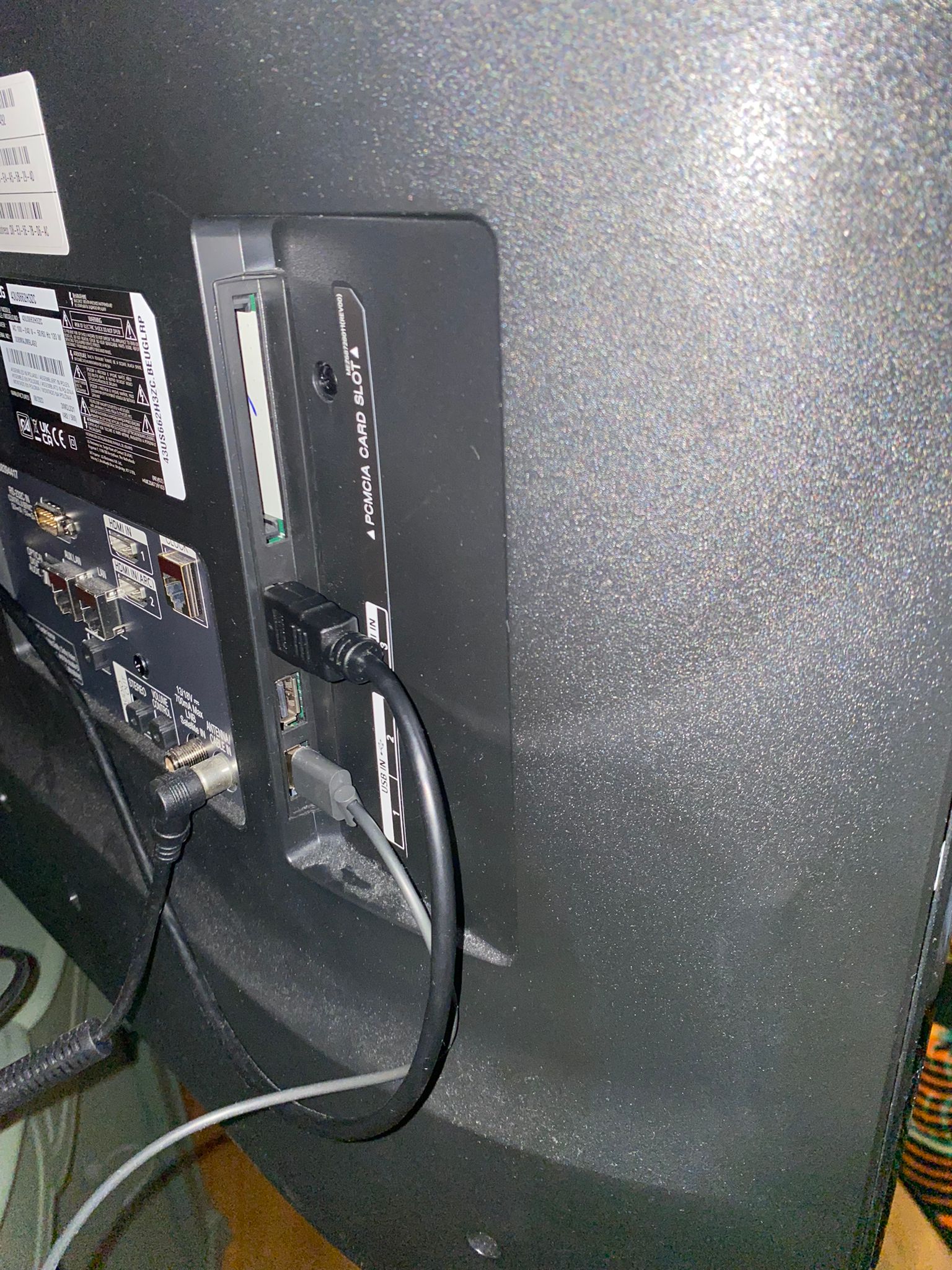
- Black screen: you have to unplug the HDMI cable and reconnect the cable to the HDMI on the side of the TV
- If you are using an Apple device, you must disable the iCloud Private Relay : HERE